

Online Payment Options
Discover the available payment options and follow our step-by-step guide to view your balance and make payments

Pay by Spectrum App
Our app allows you to view your account details, pay your bill, or get a payment plan 24 hours a day, 7 days a week.


When you open the Spectrum HOA App, you will be asked to enter your email address and password. Use the same email and password used to log in to your account on Spectrumam.com
Scan to Download

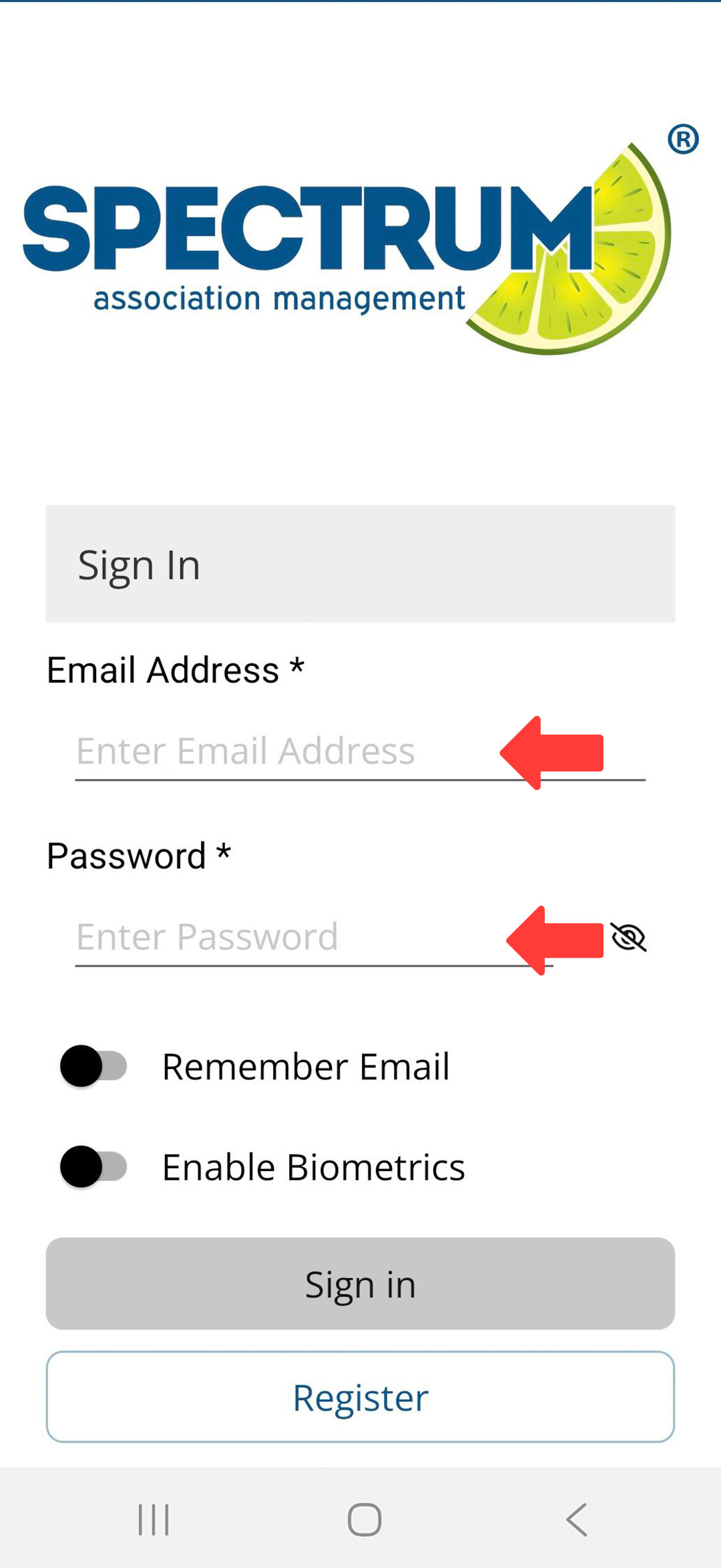
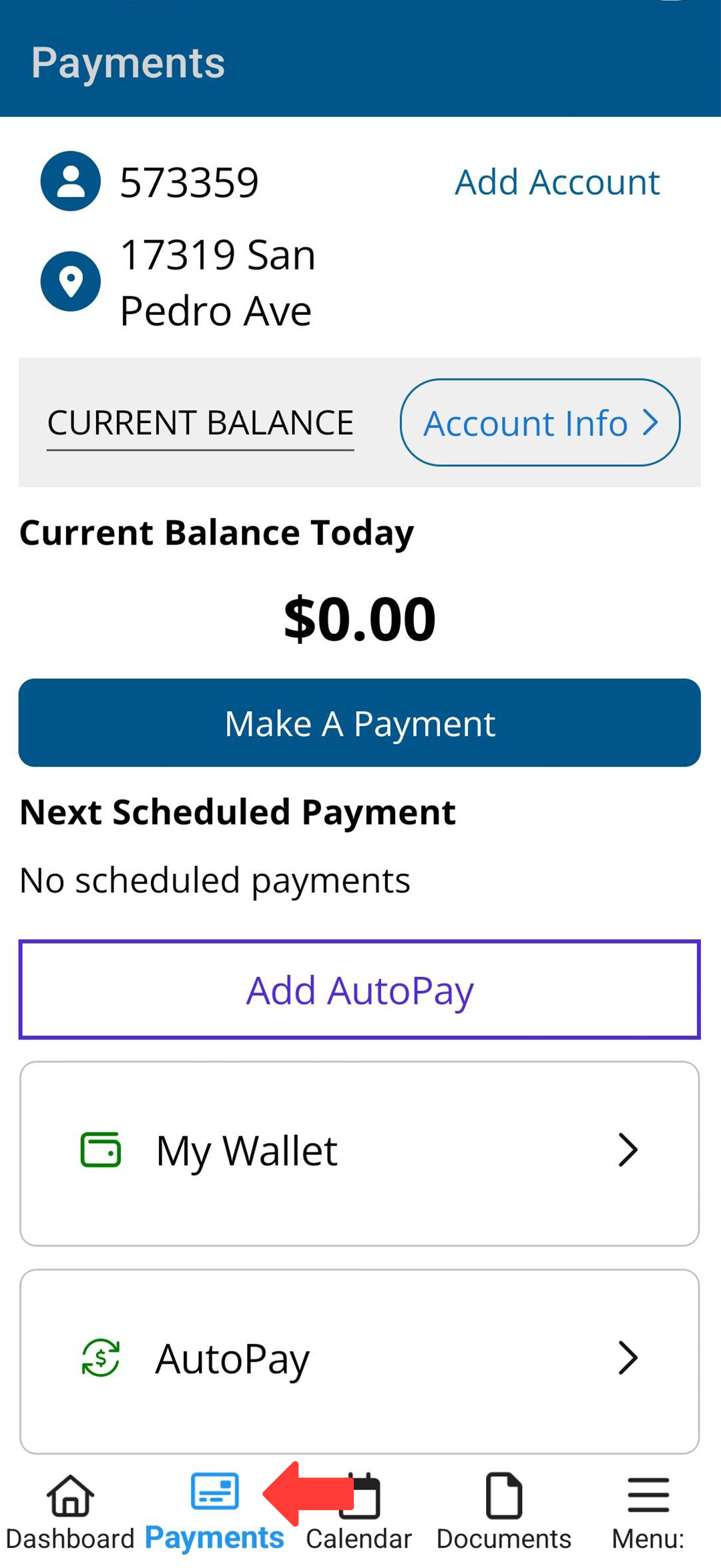
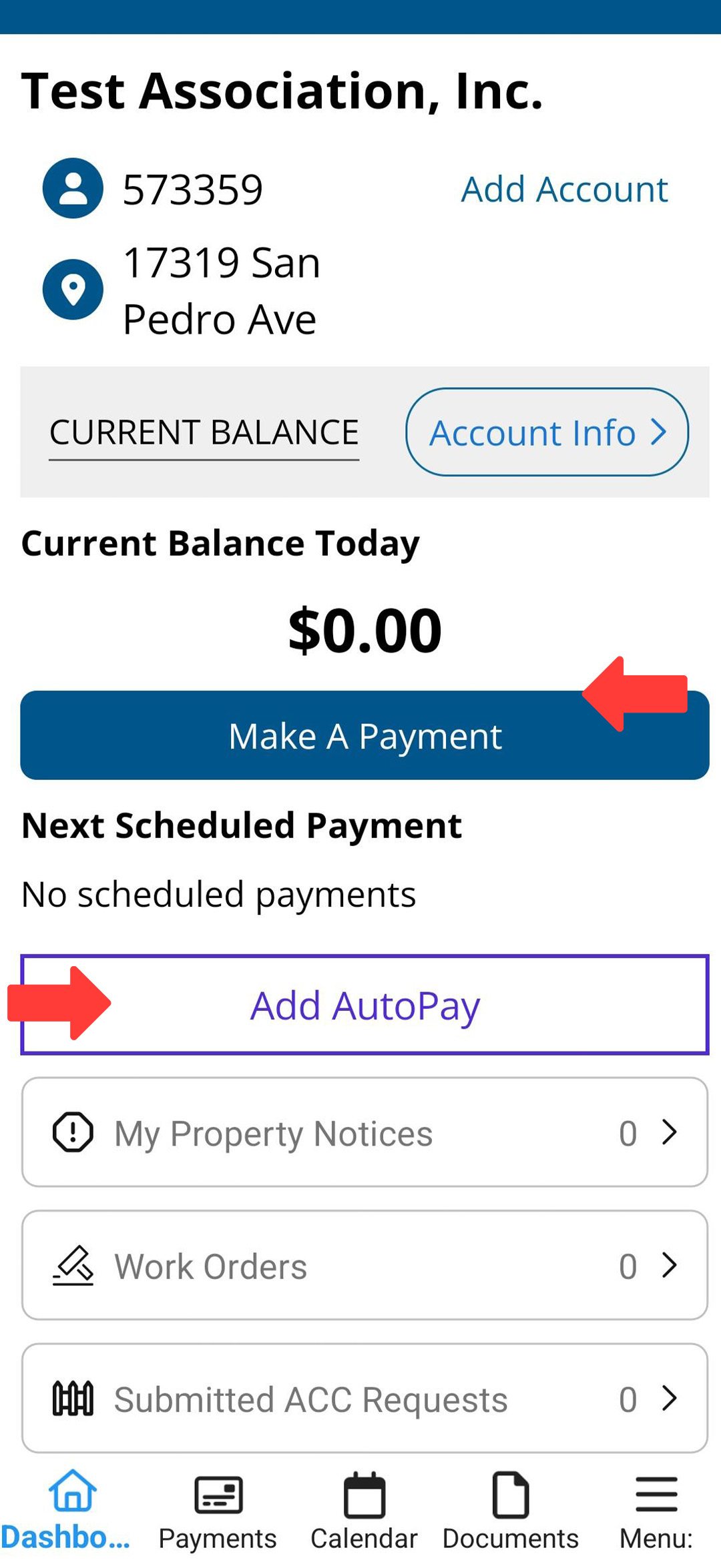
If you don’t remember your password, select the “Forgot Password” option to get a reset link.

Pay by Desktop
You can view your HOA account information, make payments, check your account balance, and set up Auto Pay by logging into your account.



Homeowners can add and save their payment method in the digital Wallet, streamlining transactions for greater convenience.
